The eHour blog
7 Best Harvest Alternatives in 2026
Looking for a Harvest alternative? Compare 7 time tracking tools with honest pricing, features, and limitations to find the right fit for your team.

Atlassian Jira Integration
No more duplicate maintenance. Native Jira Cloud integration automatically mirrors issues, updates, and assignee changes to eHour tasks.

We are ISO 27001 certified
Demonstrating our commitment to top-tier data security practices.
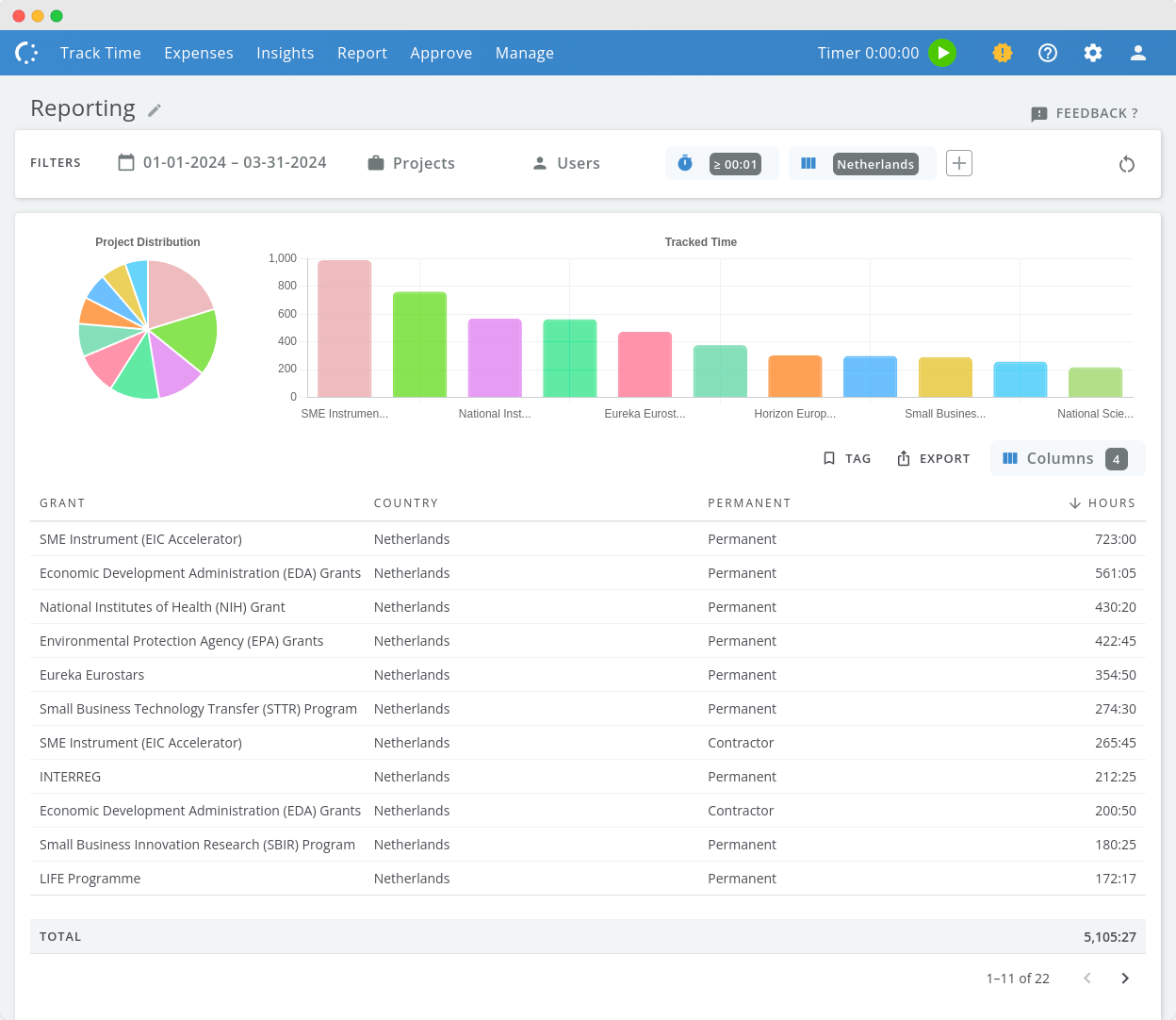
New Reporting
More filters, share reports with co-workers, new UI.

Two-Factor Authentication (2FA)
Two-Factor Authentication (2FA) has been added to enhance your eHour account security, requiring both a password and a unique code from an authenticator app or hardware key.
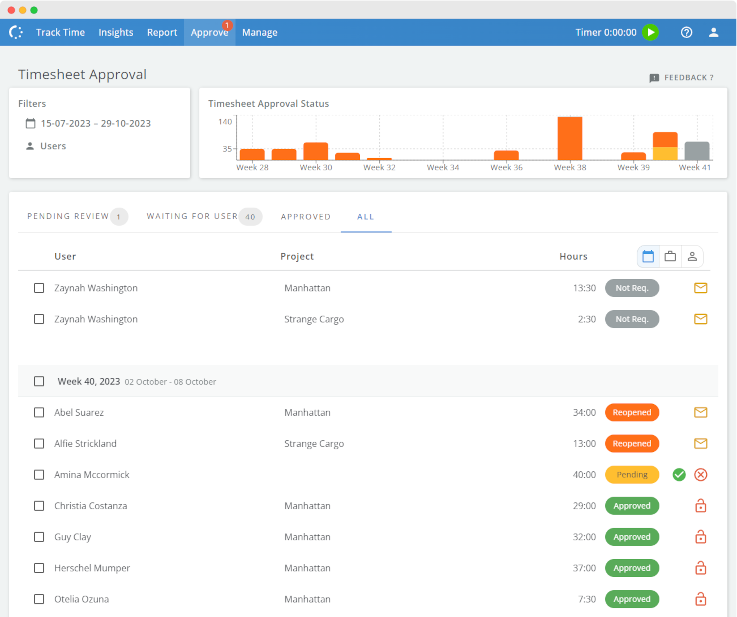
Revamped Approvals
Efficiency meets simplicity in our timesheet approval update.

eHour renews Cyber Essentials Security Certification
eHour renews Cyber Essentials certified, demonstrating our commitment to security.
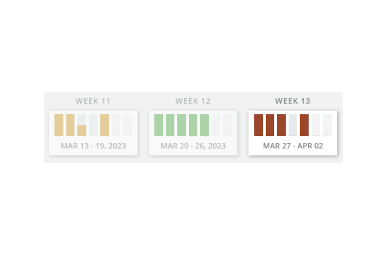
Timesheet Approval Status
Intuitive color-coded timesheet statuses.

Multiple Project Managers
Introduce multiple project managers to a project for streamlined timesheet reviews.
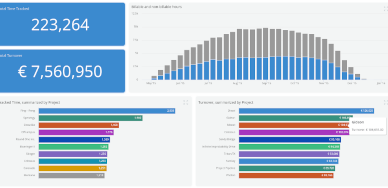
Insights dashboards
Insights provide a comprehensive view of your team's performance and productivity, with visualizations of key metrics like utilization rate, billable hours, and unapproved hours. Now available for all users.
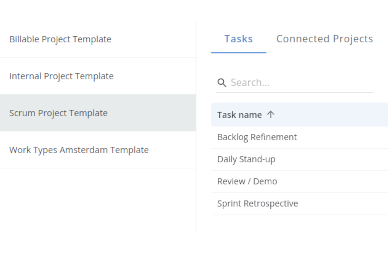
Project Task Templates
Efficient and uniform task management.
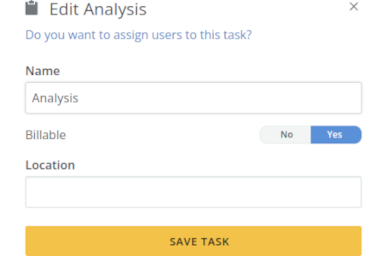
Custom fields & non-billable tasks
Custom task fields and non-billable choices for billable projects, all accessible via API.
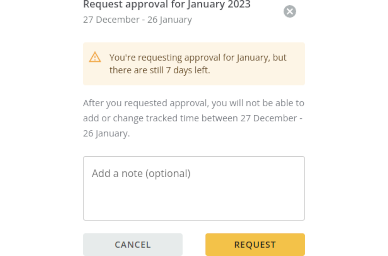
Configurable start of Monthly Approval
Customize your eHour approvals: Adjust the start day to sync with invoicing or finance schedules effortlessly.
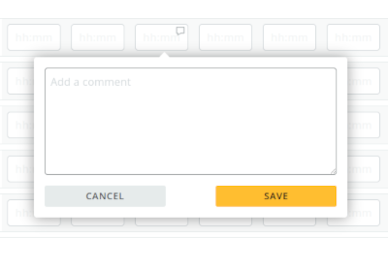
October update
Navigate your timesheet like Excel: seamless shortcuts, a smarter comment box, and zero distractions.

eHour acquires Cyber Essentials Security Certification
eHour is Cyber Essentials certified, demonstrating our commitment to security.
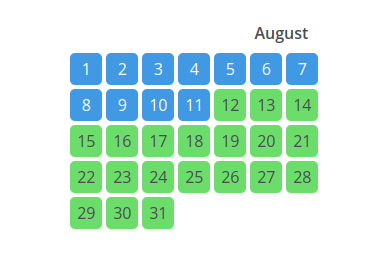
Lock timesheet entries
We improved the Time Locks feature. Admins or Managers can lock time to prevent back-dated entries from being entered or edited. Once a timeframe is closed, no one can change or add their time entries or expenses.
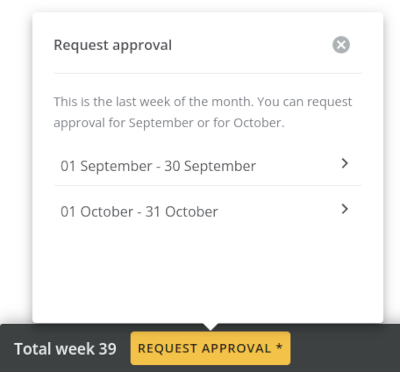
Approval Improvements
Define an approval workflow per user; split the last week of the month.

Project Reporters
The Project Reporter is a new role that gives access to the reports of the project, giving insight in the overall picture of the project state.

Single Sign-On with Google
Single Sign-On with Google is available. Enable SSO to allow your users to sign in to eHour with their Google Workspace account.
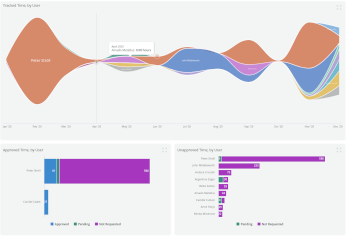
eHour Insights
Insights dashboards give you a quick overview of your top projects, top turnover generating clients, utilization rate - all on one screen.
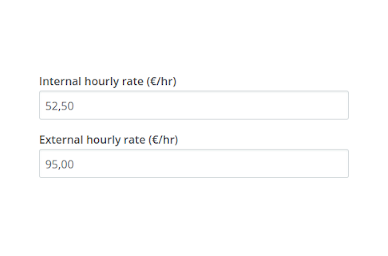
External rate
Calculate your profit by adding an external hourly rate.
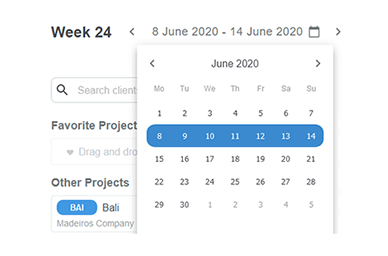
Timesheet 2.1
With layout improvements on phones and tables and quicker week navigation; here is version 2.1 of the timesheet.

Export to Excel and Power BI
Analyze tracked hours in Microsoft Excel and Power BI.
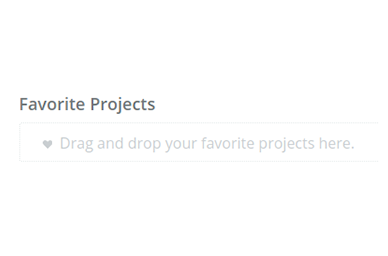
Favorite Projects
Keep your most frequently used projects and project tasks nearby by making them a favorite.
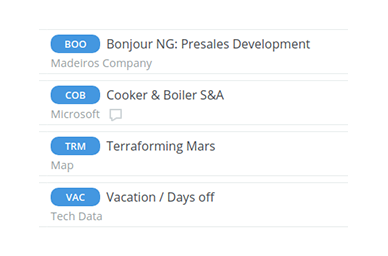
Timesheet 2.0
A new logo, a fresh blue, and hello yellow! <br> We rolled out version 2.0 of the timesheet.
Copy project
Save time in project management by cloning an existing project to a new project.
Approval Reviewer Reminders
Approval reviewers of timesheets can now be automatically reminded of any pending timesheets they still need to approve.

Group report data by day
You can now group your tracked time by day.
New Knowledge Base and in-app chat.
We upgraded our support platform with a new knowledge base, and you can now chat directly with us.
Updates in May 2019
Performance improvements; updated list of archived clients, projects; bug fixes
Visualize your reports
Get a quicker insight in your data with the new charts.
Changes to the fallback approval reviewer
You can configure a fallback reviewer when the project managers approval workflow is enabled.
Layout changes in Management page
Easier navigation in the management section.
Improved support for large timesheets
Performance fixes for large timesheets
Expense Receipts in Excel
Expense Receipts available in Excel. API endpoint added for downloading Expense receipts.
Office 365 Integration
Single Sign-on integration tested and approved by Microsoft.<br><br>eHour now available in the Azure marketplace.
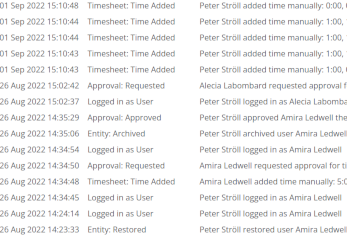
Audit Trail
Get a quick overview of any changes made to your data.
Import Jortt customers
Import all your Jortt customers directly into eHour.
New mobile app
The app makes it easier to track your hours on the go. The new timesheet gives you a clear overview of your projects, hours (with comments) and approval status.
New in July 2018
Project codes only unique within a client. API changes.<br><br>Line Manager and Project Manager first class citizens.
Autonomous Teams
Teams can now be completely managed by a Team Manager. The Team Manager can assign projects and project tasks to their team.
New in June 2018
Project codes only unique within a client. API changes.<br>Line Manager and Project Manager first class citizens.
Schedule reports to Email
Schedule any Saved Report to email. To schedule a report for email.