Time Tracking Reports
See where every hour goes
- Project budgets: See early if you are still on track, before it becomes an issue.
- Utilization reports: Compare worked hours with billable targets and contract hours.
- Billable hours reports: Get reliable numbers for invoicing, payroll, and client reporting.
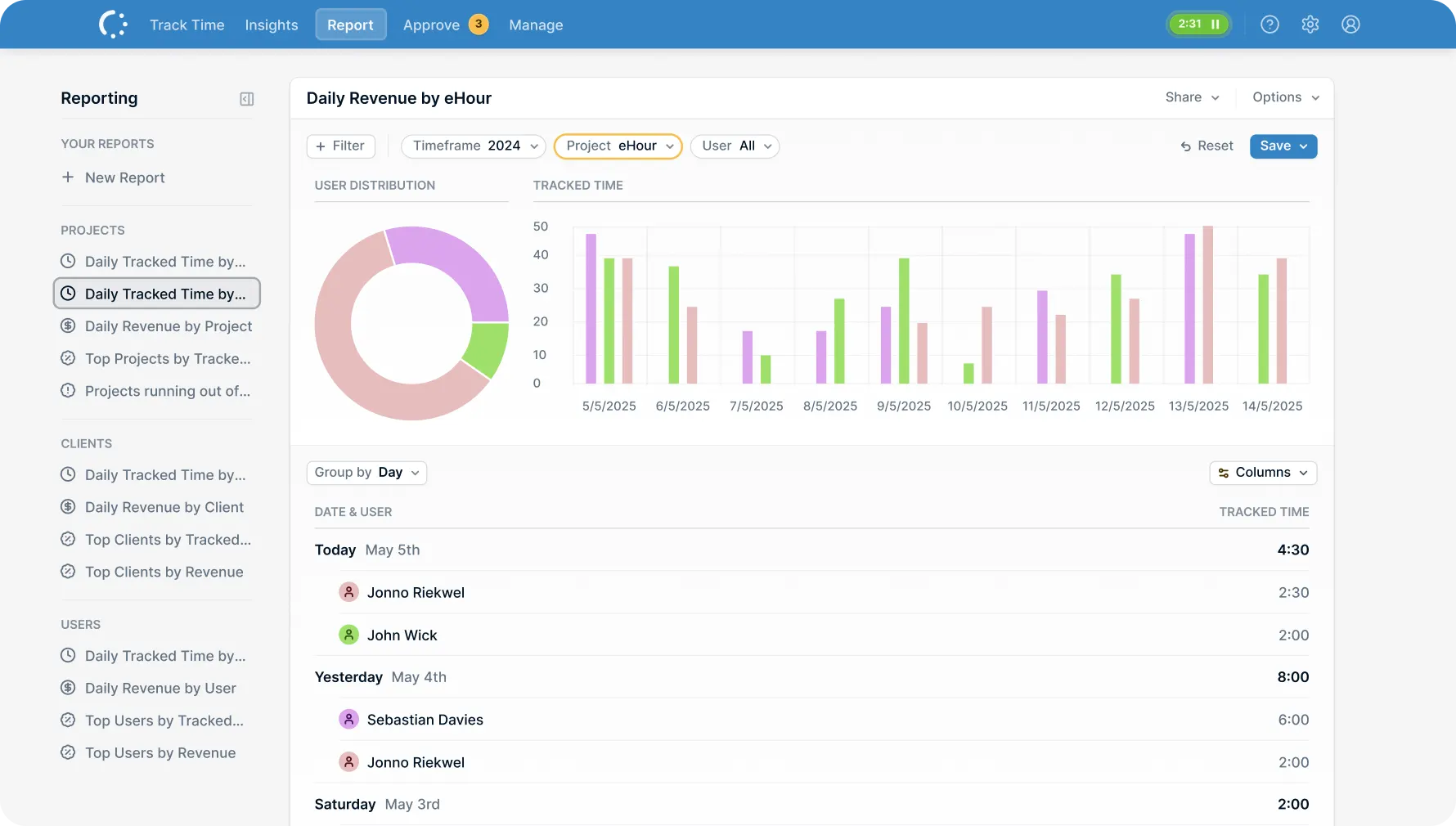
Reports that answer the real questions
Where is the budget going?
Who still has capacity?
What is actually billable?
Get clear answers without digging through exports or spreadsheets.
Features
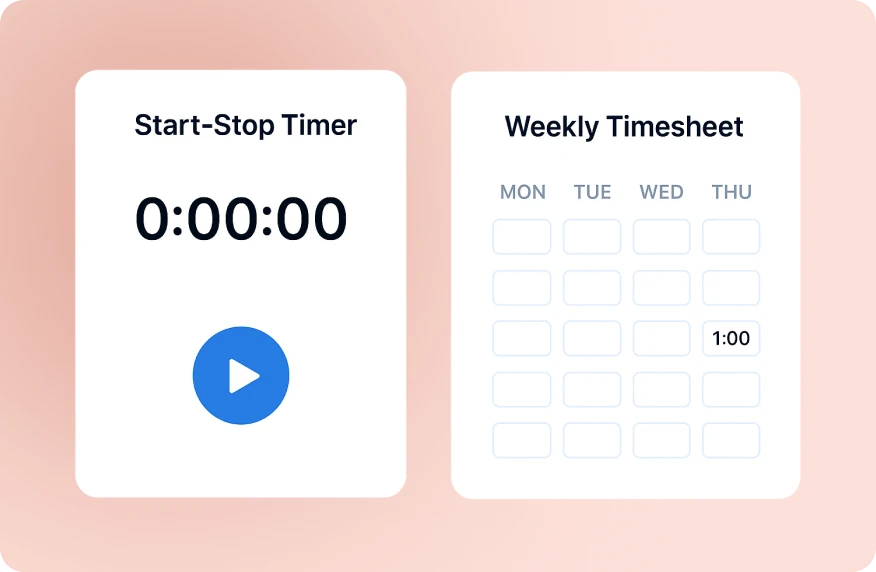
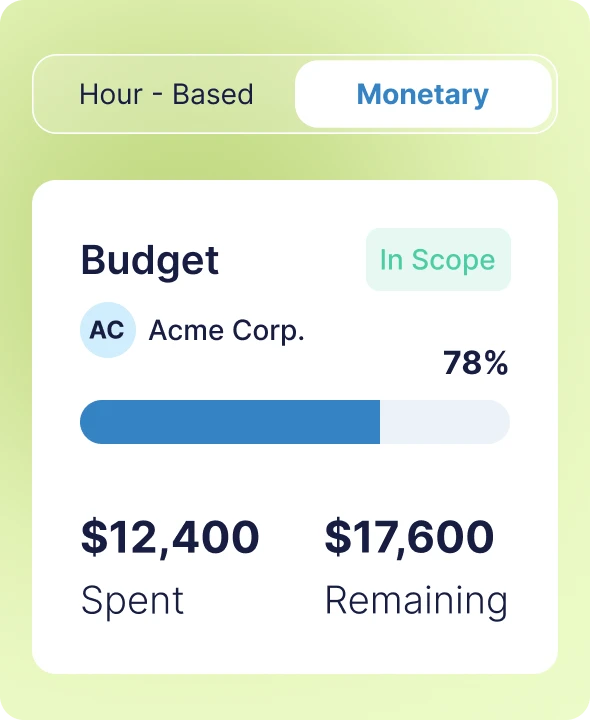
Keep every project on budget
See spending against budget as work happens, not at the end of the project.
Track costs as they happen Track how much of the budget is used, how much is left, and where hours are going, so you can course correct while there is still time.
Break it down by project, client, or task Filter your budget reports to see where time is going. Spot which tasks are eating hours and which clients are more expensive to serve than they should be.
See who's hitting their targets
Compare worked hours with billable targets and contracted hours. See who is underutilized, who is at capacity, and where gaps are forming.
Worked, billable, contracted View worked hours, billable targets, and contract hours together for each team member.
Track trends over time See how utilization changes week over week or month over month to spot patterns and plan ahead.
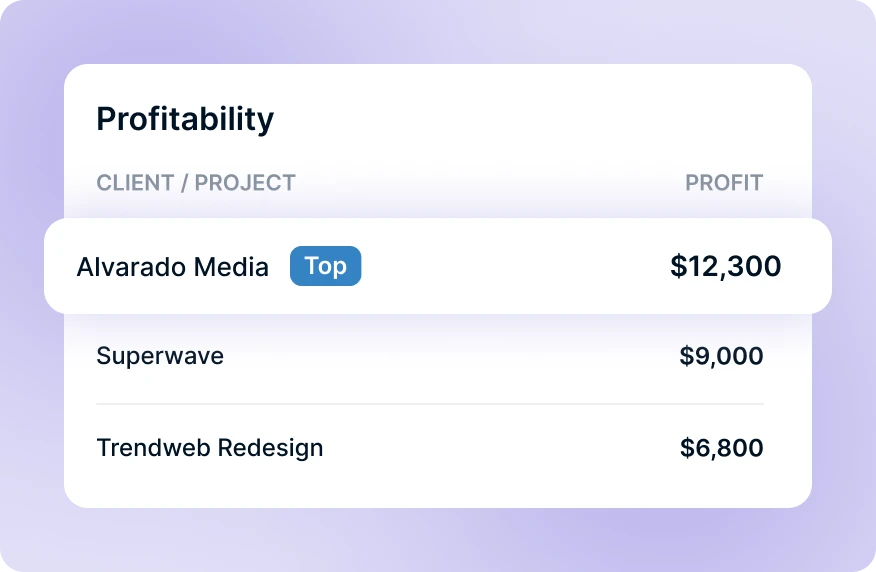
Bill accurately, every time
Pull clean billable hours by client, project, or team member. Export what you need for invoicing, payroll, or client reviews without spreadsheet cleanup.
Flexible Grouping Get exactly the data you need for each invoice or report. No more digging through raw timesheets to find what's billable.
Export-ready formats Pull reports as CSV, Excel or PDF and send them straight to accounting, clients, or payroll. Built for handoff, not busywork.
Save & Schedule Save custom reports and schedule automatic delivery to stakeholders daily, weekly, or monthly.
What do our users say?
Our external project leader wanted first to have an overview of all hours logged per individual team member before invoicing the client. With eHour, I was able to have all data right there on my screen in a single comprehensible report. After scheduling it, it is sent by email every Friday to the project leader without any interference from me.

Casper van Schie
US Media
Try eHour for 14 Days Free
Simple timesheets that feed accurate reports.
No payment required
Access to all features
Takes seconds to get started
Frequently Asked Questions
What is a time tracking report?
How do I track project budgets in reports?
What is a billable hours report?
What should a utilization report include?
What reports come built-in with eHour?
- Track daily hours and revenue by project, client, or team member
- See which projects and clients generate the most time or revenue
- Spot projects approaching their budget limit before it's too late
- Compare what each person is contracted to work against what they actually logged
- View pending timesheets waiting for review or completed ones ready for billing
Can I export reports to Excel or CSV?
How do I schedule automatic report delivery?