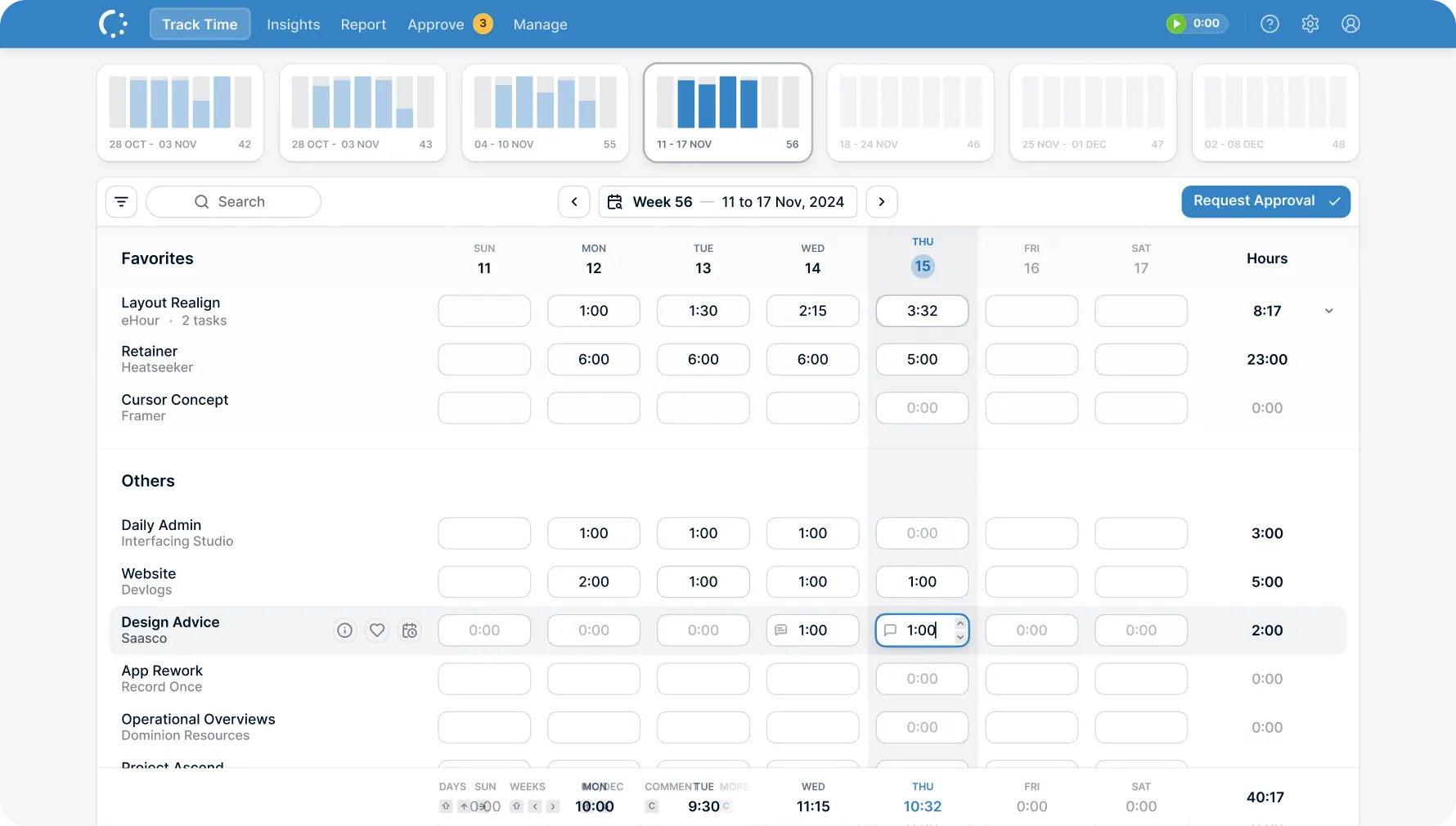
Time Tracking Software for Consultants

Track every billable hour

  • Log hours across multiple clients in one view.
  • Accurate billable hours for every invoice.
  • Export-ready reports in seconds.
eHour TODO

Built for how consultants work

Fast time entry, clear separation between billable and internal work, and clean data for invoicing and reporting.

Features
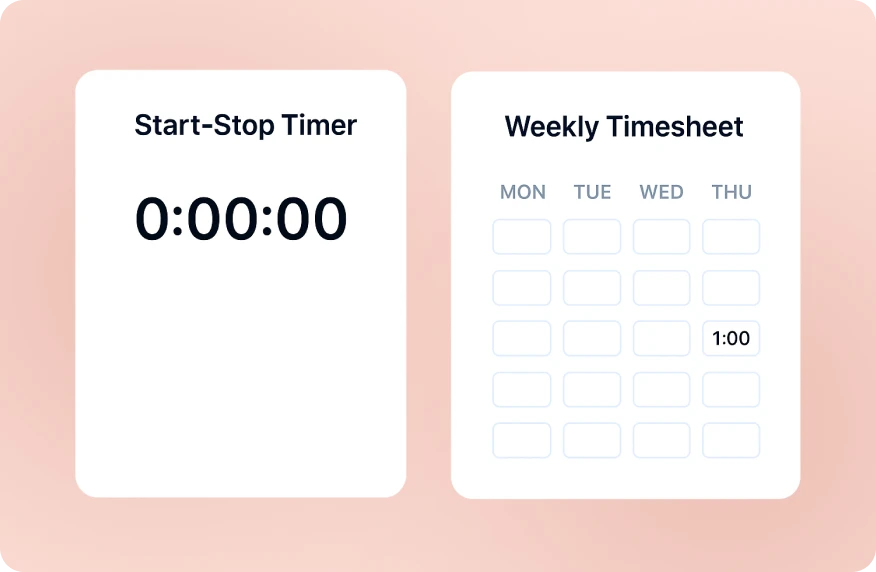
Start-stop timer alongside weekly timesheet grid

Timekeeping that takes seconds

Designed to be familiar and fast.

One-click contract hours If all your time goes to a single project, add your full contract hours to that project in one click. No repetitive daily entry.
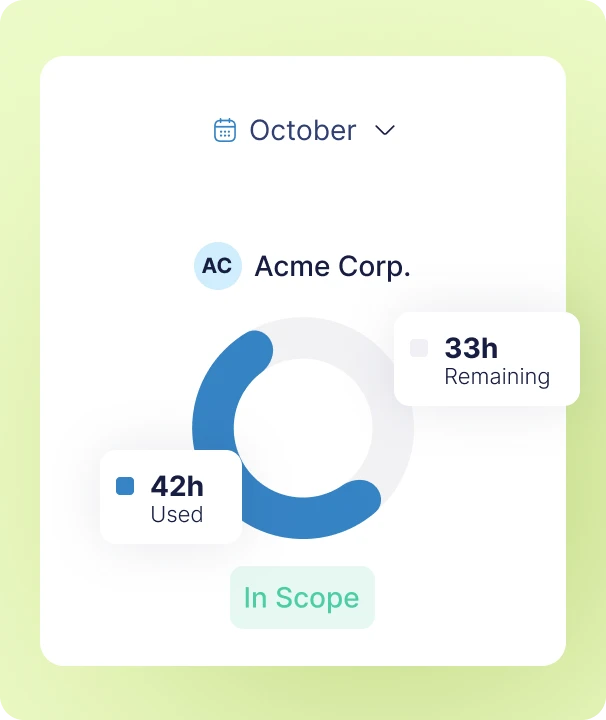
Monthly retainer usage tracking with hours used and remaining

Billable hours tracker that fits your workload

Log time in a weekly grid that shows all your client work at a glance.

Multiple clients, one overview Track hours across clients, projects, and internal work without switching views or juggling tools.

Accurate billing data Set different rates per client or project. Reports calculate billable revenue automatically, so you always know what your time is worth.
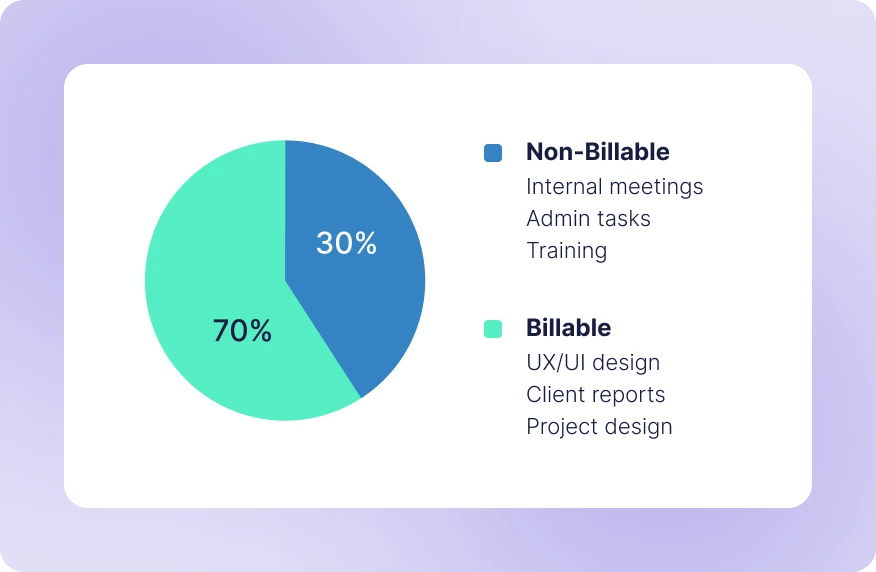
Billable vs non-billable pie chart showing 70 percent billable

Governance you can rely on

Time tracking designed for professional and regulated environments.

ISO 27001 certified Security controls and processes are independently audited and continuously maintained.

GDPR compliant, EU hosted Data stays in the EU and is handled in accordance with GDPR.

The essentials, built in

Fast time entry, clear billable tracking, and reports ready for invoicing.

Timer or Manual

Start a timer or fill in hours later. Both land in the same timesheet.

Billable & Non-Billable

Flag time as billable or internal. Reports show your true billable ratio.

Multi-Client Tracking

Track time across clients and projects in one weekly view.

Reports & Export

Time by client, project, or date range. Export to CSV or Excel for invoicing.

Task-Level Detail

Break projects into tasks. See where hours actually go.

ISO 27001 & GDPR

EU hosted. Certified security. Your data protected, your way of working respected.

What do our users say?

We integrated eHour with Microsoft Entra ID in no time. SCIM provisioning handles users automatically, and sign-in with Microsoft and MFA keeps access secure.

Luuk de Boer

Luuk de Boer

Director ICT at Digital Realty

Try eHour for 14 Days Free

Simple timesheets that feed accurate reports.

No payment required

Access to all features

Takes seconds to get started

Try Now!

Frequently Asked Questions

Can I track time for multiple clients?

Yes. Add all your clients and projects to eHour. The weekly timesheet shows everything in one view - log hours against whichever client you're working for.

Can I separate billable and non-billable time?

Yes. Flag projects or tasks as billable or non-billable. Reports break down your time by type so you can see your true billable ratio.

How do I export time for invoicing?

Run a report by client, project, or date range, then export to CSV or Excel. Use the data directly in your invoicing tool or accounting software.

Does eHour track my activity or location?

No. eHour only records the hours you enter. No screenshots, no GPS, no activity monitoring.

Can I track time on my phone?

Yes. eHour works on any device - phone, tablet, or desktop. Log hours from a client site or catch up on the commute home.

Is eHour GDPR compliant?

Yes. eHour is hosted in the EU, fully GDPR compliant, and ISO 27001 certified.