Online Timesheet Software
Fast timesheets Accurate data
- Fast entry: Log hours in seconds with smart defaults and recent projects.
- Approval-ready: Submit completed timesheets for manager review before they hit reports.
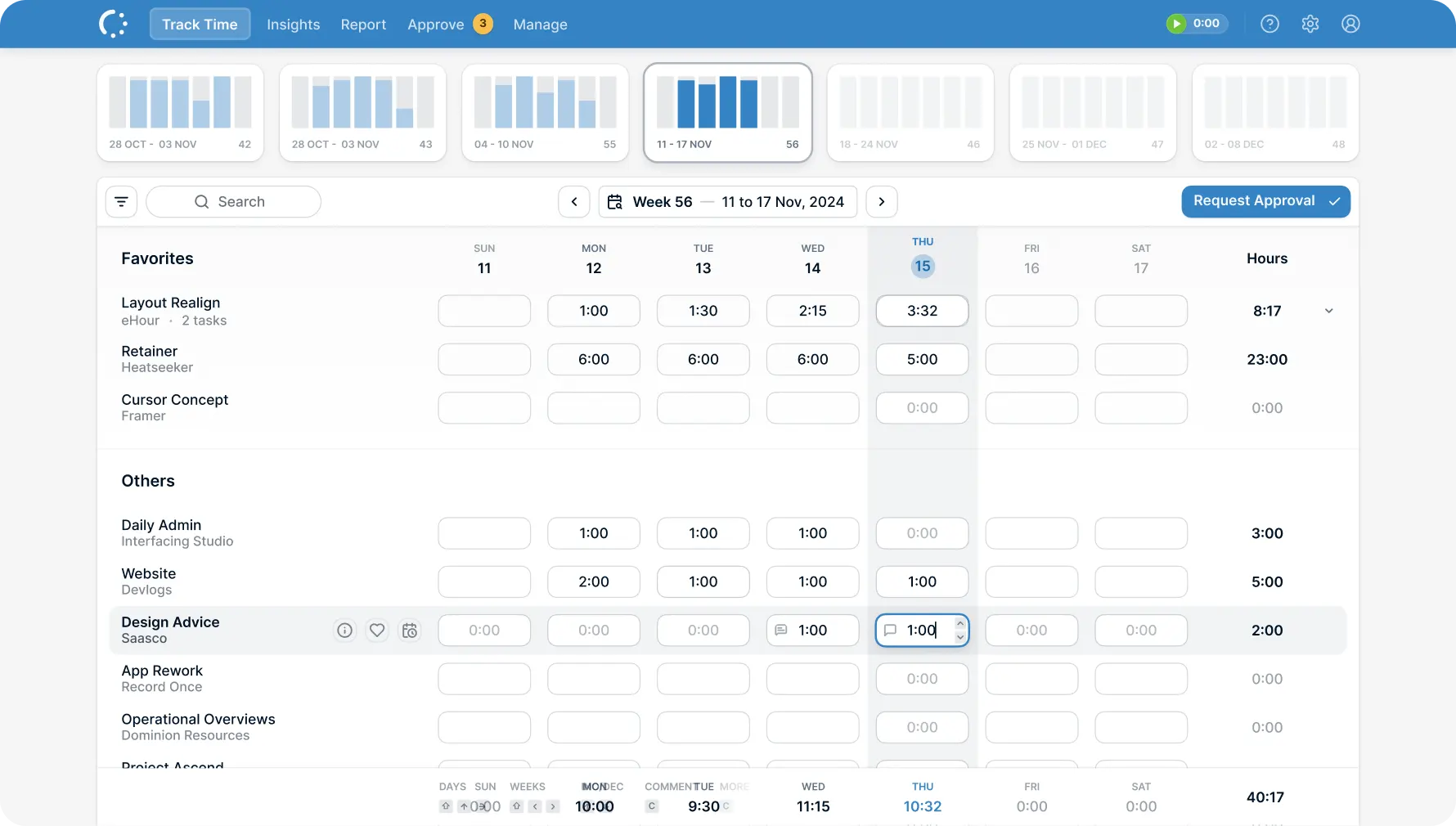
Timesheets your team will actually fill in
A familiar spreadsheet-like grid your team already knows how to use. Mobile access for catching up on the go. One-click submission and approval to keep everything moving.
Features
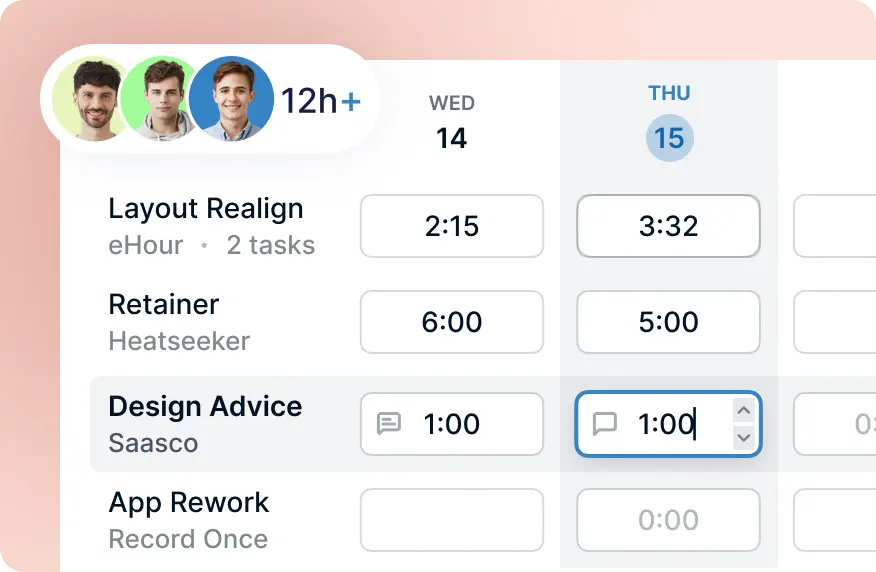
Feels like a spreadsheet. Works like software.
No training required. If your team can use a spreadsheet, they can use eHour. The weekly view is a grid - projects down the side, days across the top. Fill in hours and move on.
Keep what works, lose what doesn't. Same familiar entry pattern. None of the version control nightmares, email attachments, or "which file is current" problems.
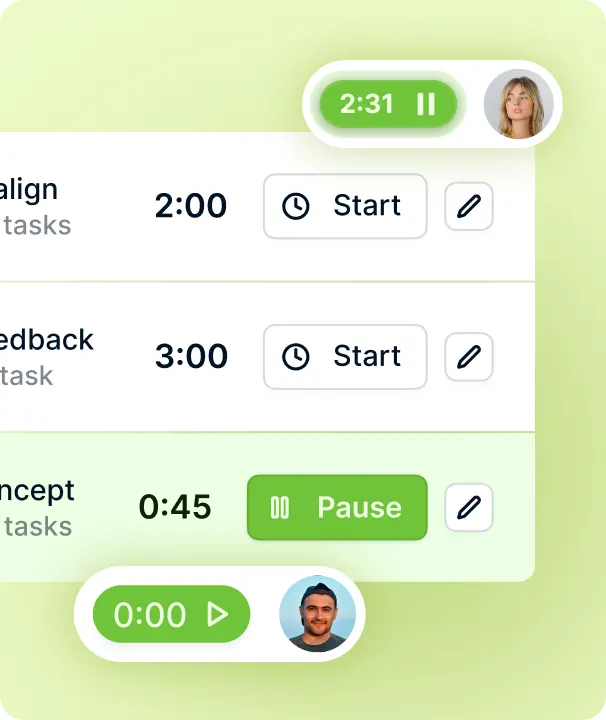
Mobile timesheet app - no install required
The same timesheet on your phone. Open the browser and go.
Responsive on any device Commuting home? Waiting for a meeting? Log hours while they're fresh and not behind a desk.
Add to your home screen. Want quick access? Add eHour to your home screen and launch it like any app. No app store, no IT permissions, no updates to manage.
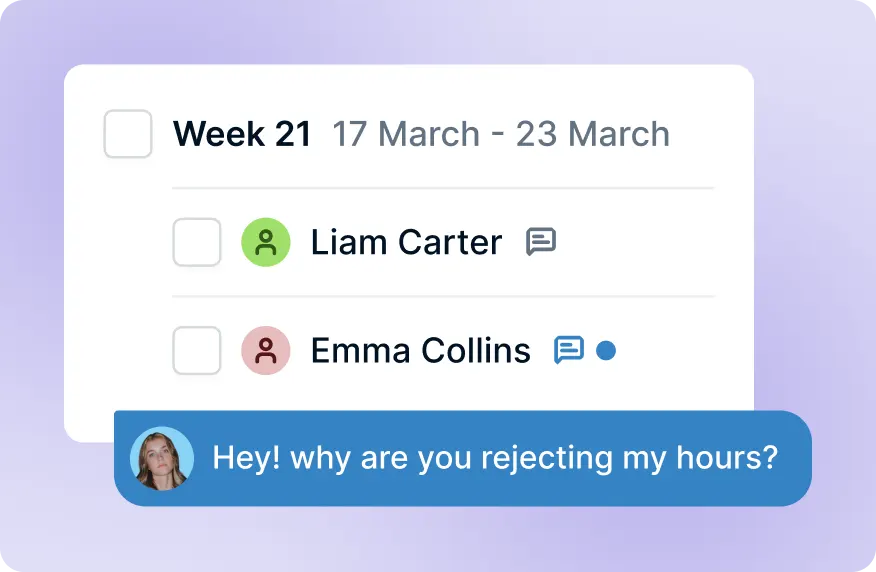
Timesheet approval before it counts
Managers review submitted timesheets before hours flow into reports and invoices. Catch errors early, not after the invoice goes out.
Submit, review, approve. Employees submit completed timesheets. Managers get notified and can approve, reject, or send back for changes. No chasing people for missing hours.
Errors caught before they matter. Spot incorrect project codes, missing days, or unlikely entries before they reach payroll or client invoices. One review step saves cleanup later.
What do our users say?
From the very beginning, eHour has been the backbone of our invoicing and time-management processes. The daily automated reporting gives us clear, actionable insights into key metrics across all ongoing projects. Its user-friendly time-entry interface ensures that our project teams submit their hours accurately and on time. eHour has become an essential part of our delivery model.

René Søndergaard
Director of Corporate Finance at PEAK Wind
Try eHour for 14 Days Free
Simple timesheets that feed accurate reports.
No payment required
Access to all features
Takes seconds to get started
From €4.99/user/month after trial
Try Now!