Timesheet Approvals
Configurable Approvals
- Multi-level configurable approval workflow.
- Fallback routing when someone is unavailable.
- Time locks and a full audit trail to close periods with confidence.
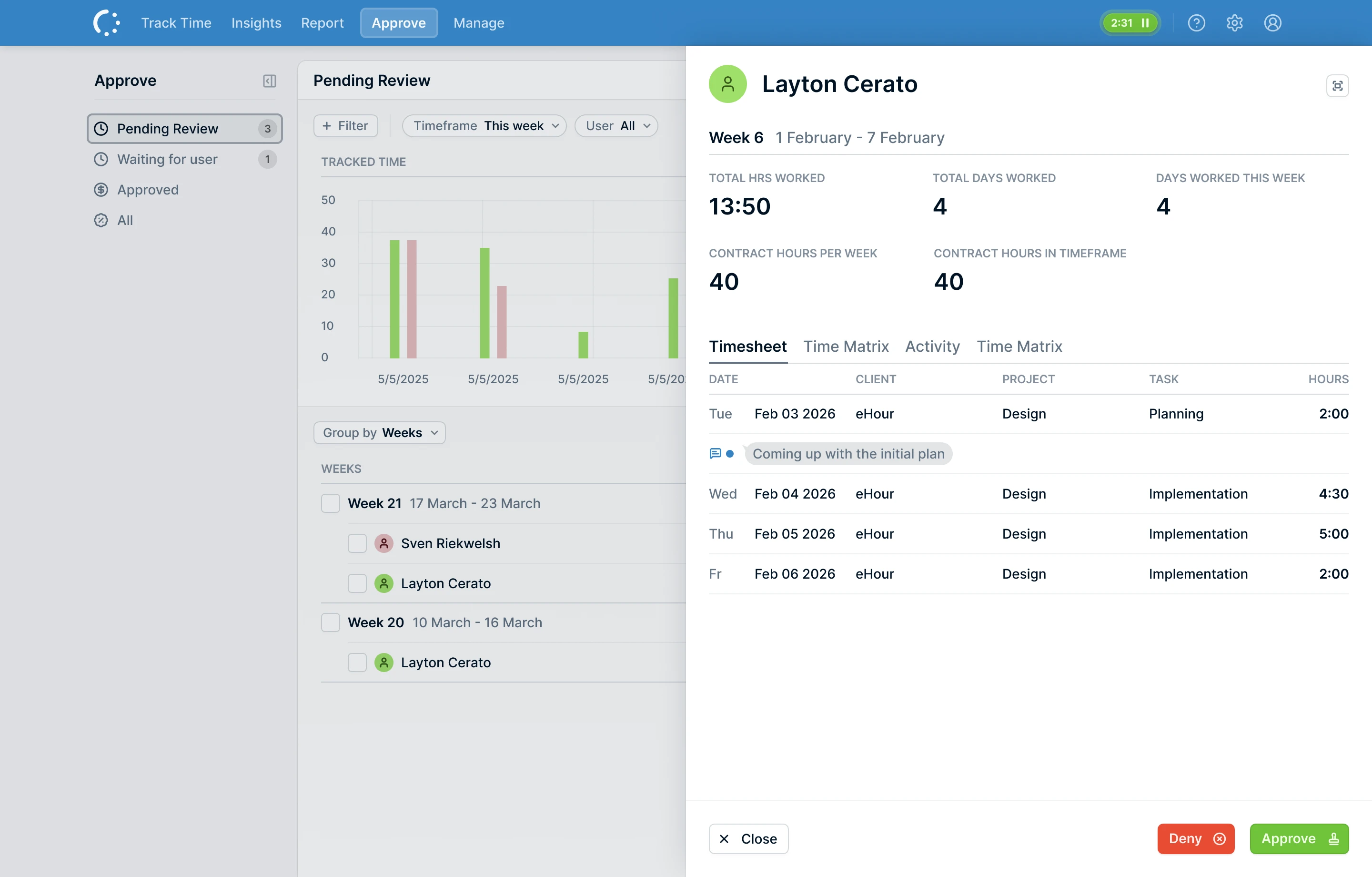
Approval workflows that fit how you work
Use project manager sign-off, multi-level chains, or custom reviewers.
Approvals are designed to flow smoothly, without piling everything into one person’s inbox.
Features
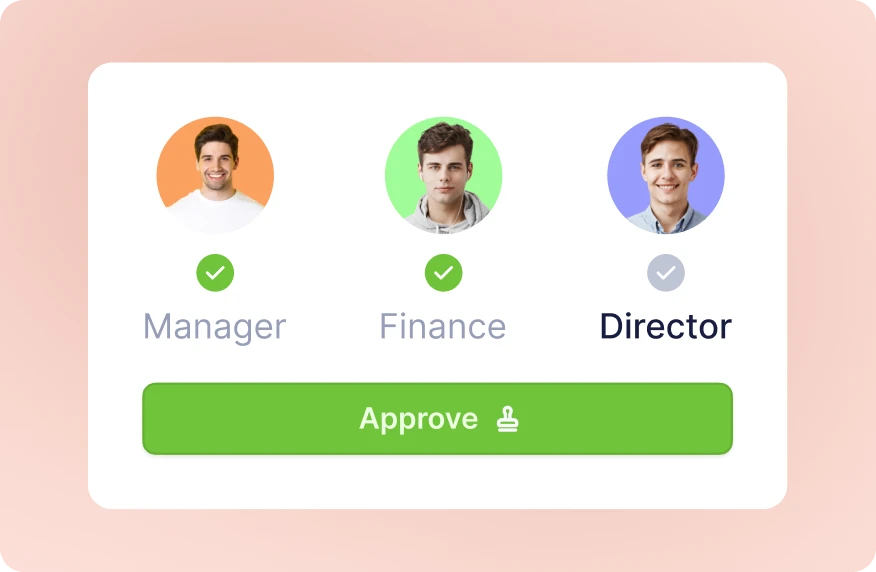
Flexible approval chains
Project-based or custom approvals Let project managers approve time for their own projects, or define custom approval chains with specific reviewers. Match approvals to real ownership and responsibilities.
Multi-level approvals Route timesheets through multiple steps, for example team lead, then project manager, then finance. Fully configurable.
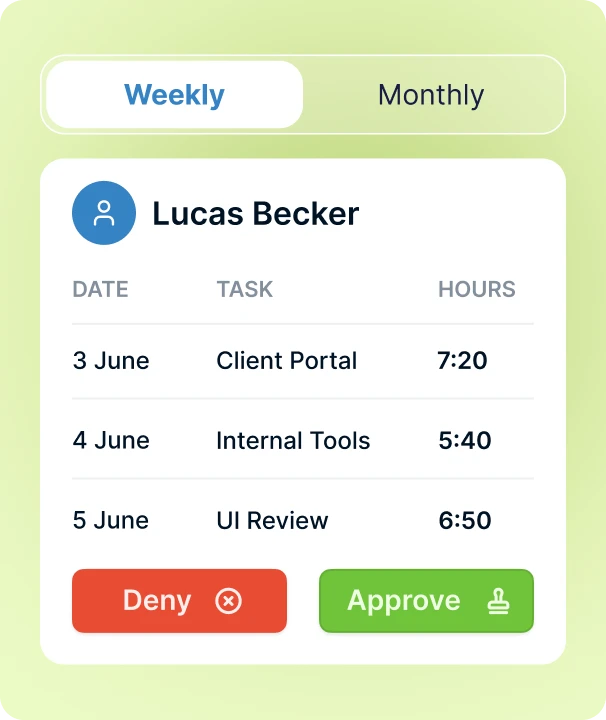
Approvals do not get stuck
Keep approvals moving, even when people are out.
Multiple reviewers per step Assign more than one reviewer to an approval step. If one person is unavailable, another can approve. No single point of failure and no waiting on one person.
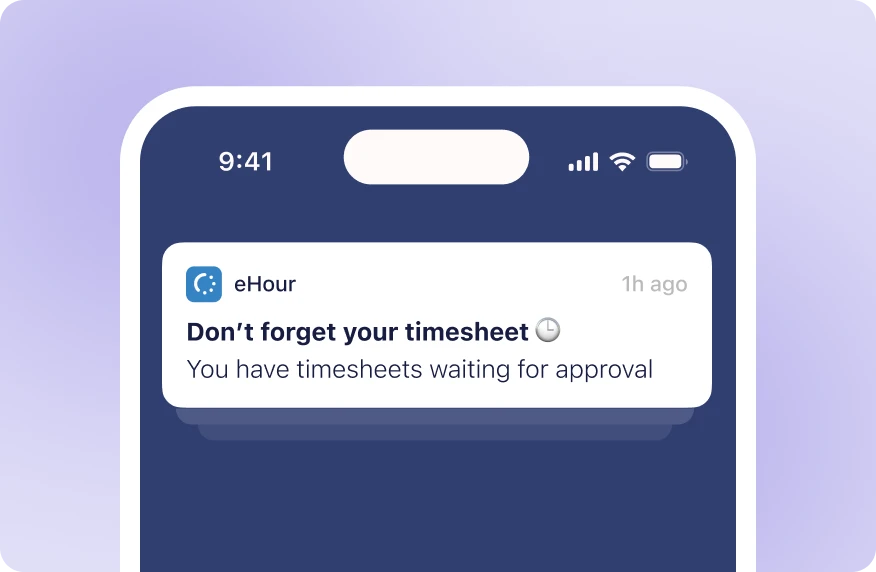
Automated reminders Submitters get reminders to complete timesheets. Reviewers get reminders to approve. Less chasing at month-end.
Close the books, keep the record
Once a period is closed, it stays closed.
Time locks Close periods so last month remains unchanged. No accidental edits and no changes after invoicing.
Full audit trail Every submission, approval, rejection, and edit is logged with who did it and when. A complete record for audits and compliance.
What do our users say?
I love how intuitive and adaptable eHour is, with plenty of ready-made reports that are easy to customize. The support team is quick to respond and truly committed to finding solutions. The constant improvements and new features are a great bonus.

Inga Kuncaitė
Reiz Tech
Approvals that keep moving
Try eHour free for 14 days.
No payment required
Access to all features
Takes seconds to get started
Frequently Asked Questions
Can I set up multi-level approval chains?
What happens when an approver is on holiday?
Can project managers approve time on their own projects?
Are there automated reminders?
Can I require weekly or monthly approvals?
Can I lock closed periods?
Is there an audit trail?